Fixes by situation
| Situation | Cause | Fix |
|---|---|---|
| Garage, night | Not enough light | Turn on the torch |
| Far-away code, tiny barcode | Modules too small | Move closer or zoom |
| Laminated or glossy print | Glare | Tilt the phone slightly |
| Code on a monitor or TV | Moiré stripes, reflections | Step back, turn up screen brightness |
| Shelf full of codes | Grabs the wrong one first | Format filter: QR only or barcodes only |
| Light code on dark background | Inverted code | Take a photo and try scanning from the image |
| Code sent to your phone | Nothing to point at | Screenshot, then scan from the image |
A code on your own screen
A ticket in a chat or a coupon in an email can’t be scanned without a second phone. Take a screenshot and scan the image instead. If one image holds several codes, it finds them all.
Why some damaged codes still read
QR codes carry error correction. Per Denso Wave, the levels restore roughly 7% (L), 15% (M), 25% (Q) and 30% (H) of the data. But if one of the three big corner squares (finder patterns) is gone, the reader may not recognize it as a QR code at all.
| Damage | Chance |
|---|---|
| A smudge near the edge | May still read, depending on level |
| One of the three corner squares | Almost never reads |
| Graphics crowding the margin | May fail |
If the code is beyond saving but the URL is printed underneath, text recognition can copy it.
Fixing it in the app
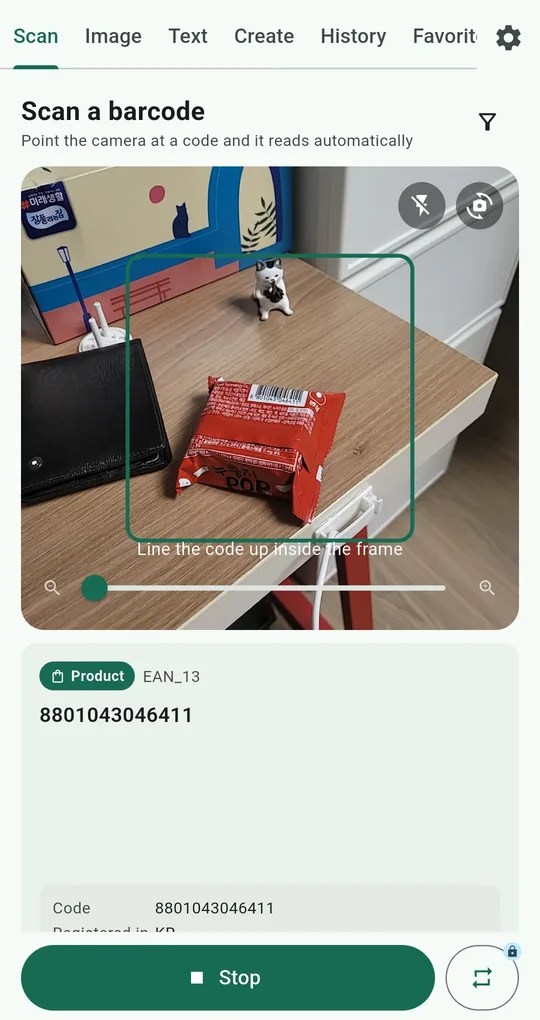
Torch, zoom, format filter
On the Scan tab of QR & Barcode Scanner, the slider under the camera zooms and the lightning icon at the top right turns on the torch. Tap the preview to focus there. The funnel icon (Format filter) limits it to QR / 2D only or Product (1D) only.
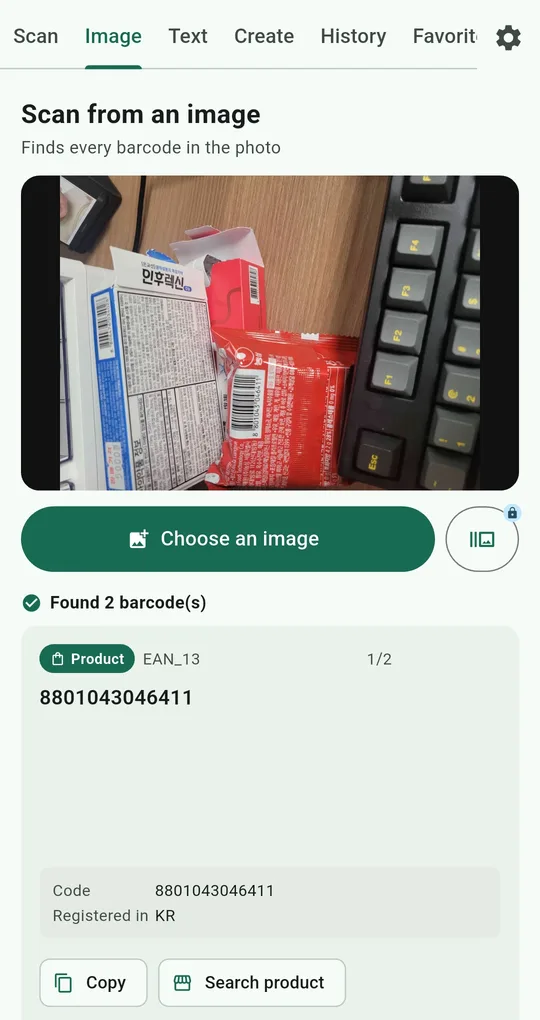
Screenshots and photos go to the Image tab
On the Image tab, Choose an image and pick the screenshot or photo. It finds every code, says something like “Found 2 barcode(s)”, and lets you page through them. Picking several images at once unlocks for 24 hours after one ad.
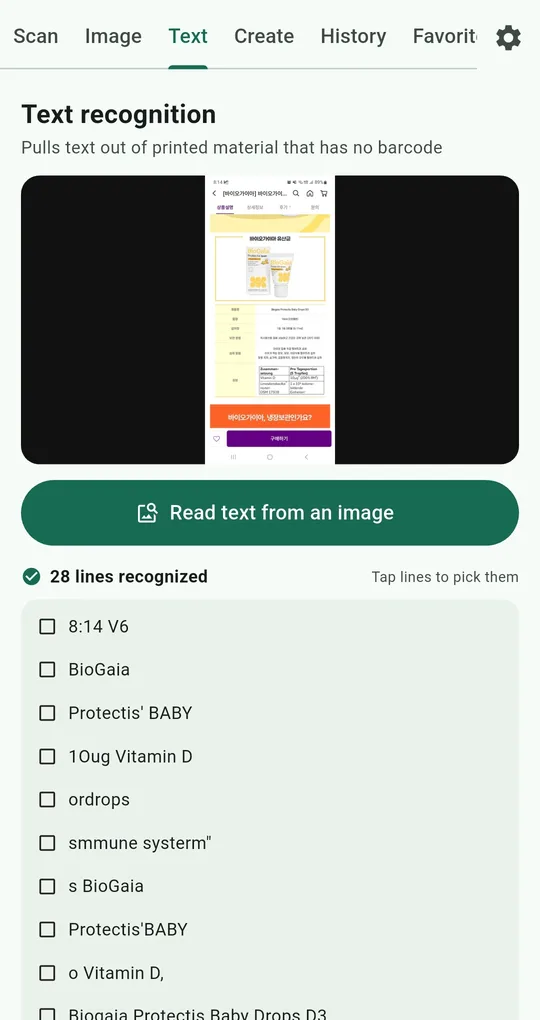
Broken code? Read the text
On the Text tab, pick the photo and the text comes back line by line. Tap the URL line to select it and copy it. Before opening, check the domain.
FAQ
The checkout can’t read the loyalty barcode on my phone.
Turning screen brightness up fixes most cases. In this app, the Full screen button on History and Favorites shows the code large and pushes brightness to maximum automatically.
It scans, but the number looks wrong.
Switch the Format filter to Product (1D) only. With several codes in view, it can pick up a different one first.
QR & Barcode Scanner Reader
No sign-up, and your scans stay on your phone. Free on Android.