Two points where you can fix it
| When | What you can do | What you cannot |
|---|---|---|
| Right after shooting, before finishing | Reshoot only the shot you dislike | — |
| After it is saved | Change frame, filter or layout and save a new photo | Reshoot a specific shot |
If the problem is a face, fix it before finishing. If it is the color or frame, it is not too late after saving.
Before finishing: reshoot one cut
In the Android app "Photo Booth", the shots appear in a row as soon as the burst ends.
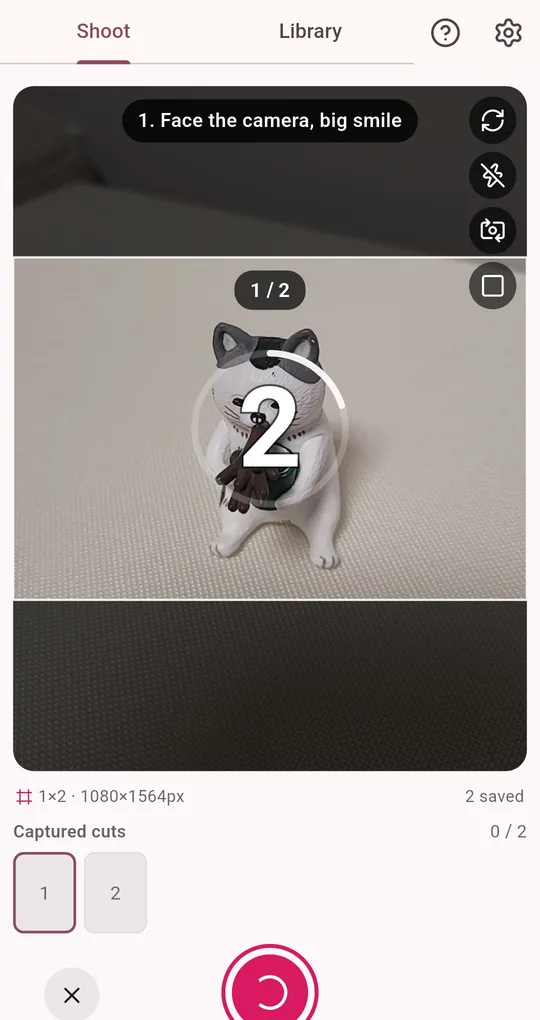
Tap the shot to redo
In the "Captured cuts" row at the bottom, tap the one you dislike and only that shot is taken again. The rest stay. When you are happy, tap "Finish with these".
After saving: restyle
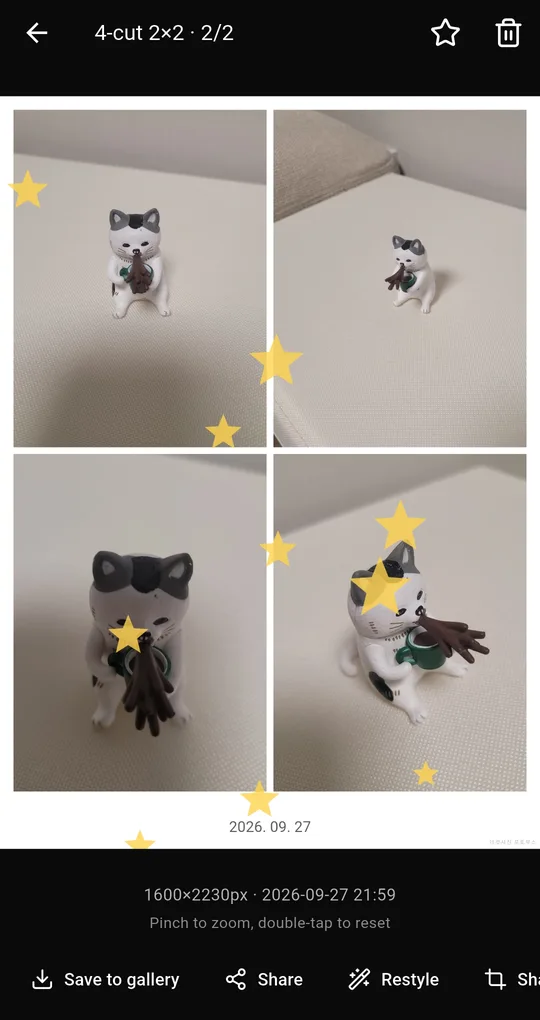
Restyle from the Library
Open a photo in the Library and tap Restyle. It rebuilds the photo from the kept original shots with a different frame, filter or layout and saves it as a new photo. No reshoot needed, and the first version stays.
Keeping original shots
Restyle and GIFs need each original shot. Keep original cuts is on by default, and originals older than the chosen period (7, 30 or 90 days or forever; 30 by default) are cleaned up automatically. Photos you favorite or add a note to are never cleaned up, so favorite the ones you might restyle later.
FAQ
Restyle does not work on a photo.
Its original shots were cleaned up, or it was taken with Keep original cuts turned off. Turn it on in settings for future shoots.
Does keeping originals use a lot of space?
It stores every shot, so it uses more space. "Clean up shots now" in settings deletes originals while keeping your finished photos.
Photo Booth
No sign-up, and your photos stay on your phone. Free on Android.