What a filter actually does
Most film filters apply one adjustment to the whole picture. Lift the brightness a little, drop the contrast, pull the saturation down, tint the colour one way, then mix in some noise. However carefully those numbers are chosen, the whole frame still moves in the same direction.
Film does not move like that. Bright areas and dark areas respond at different rates, and the red, green and blue emulsion layers respond differently from each other. The sky, a face and a shadow all go their own way in the same frame.
Four things film does instead
1. Highlights do not clip straight off
A digital sensor records light until it fills up, then stops: anything brighter becomes one flat white blob. Film slows down as it approaches its limit, so the response curve lies over. Photographers call that lying-over part the shoulder, and the dark end the toe. The difference shows most in backlit windows and night signage.
2. The colours do not move as one block
Colour film is a stack of layers sensitive to red, green and blue, and each layer has a slightly different response curve. The result is a split: shadows drift one way, highlights another. When an editor offers it as a slider it is called split toning.
3. Grain is not spread evenly
Film grain is clumps of silver that reacted to light. It is most visible in the midtones and almost invisible in pure black and pure white. That is why uniform noise across a whole frame reads as fake. Grain size is also fixed in the film itself, so the bigger you print, the coarser it looks — grain you could not see on a phone shows up on a poster.
4. Bright lights glow red at the edge (halation)
When strong light passes through the emulsion, hits the back of the film base and bounces back, it exposes the emulsion a second time from behind. Streetlights, windows and signs end up ringed with a reddish bloom. Most still films carry a layer that suppresses this; films without an effective one — motion picture stocks among them — keep it as a signature.
Side by side
| What you see | A typical filter | What film does |
|---|---|---|
| Highlights | Clipped to a white blob | Rolls over the shoulder, then whitens |
| Shadows | Run all the way to black | The toe lifts, so true black is rare |
| Colour cast | The whole frame tilts the same way | Bright and dark tilt in opposite directions |
| Grain | Uniform noise everywhere | Crisp in midtones, gone in black and white |
| Around bright lights | Just blown out | Surrounded by a reddish bloom |
| Enlarged | Noise gets smaller | Grain gets coarser |
Check your own photo
If you have edited a photo towards a film look, four checks will tell you how close you got.
- Zoom into the brightest part. Is there a flat white area? If so, no colour work will rescue it.
- Is there a large area of pure black? On film that is uncommon.
- Is the noise visible in the dark corners too? Then it was sprinkled on.
- Is there any bloom around a lamp or a window? Without it the photo is a faded digital photo, not a film one.
Seeing it in the app
The screens below are from the Android app FilmRoll. Instead of laying a preset over the photo, it recalculates the whole frame — per-channel gamma, an S-curve rolloff, black lift, split toning, halation around the highlights, and grain sized to each stock, all on the GPU in one pass.
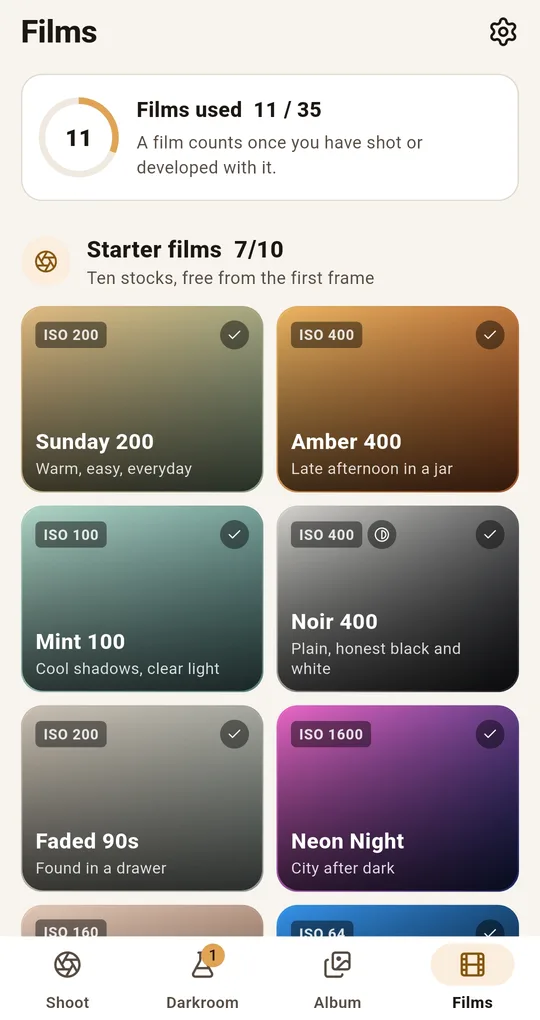
What separates two stocks is not colour
The Films tab holds 35 stocks grouped into packs. Two stocks can share an ISO and still produce completely different pictures, because contrast, grain and saturation are set per stock. Tap a card to see its character and its contrast, grain and saturation bars.
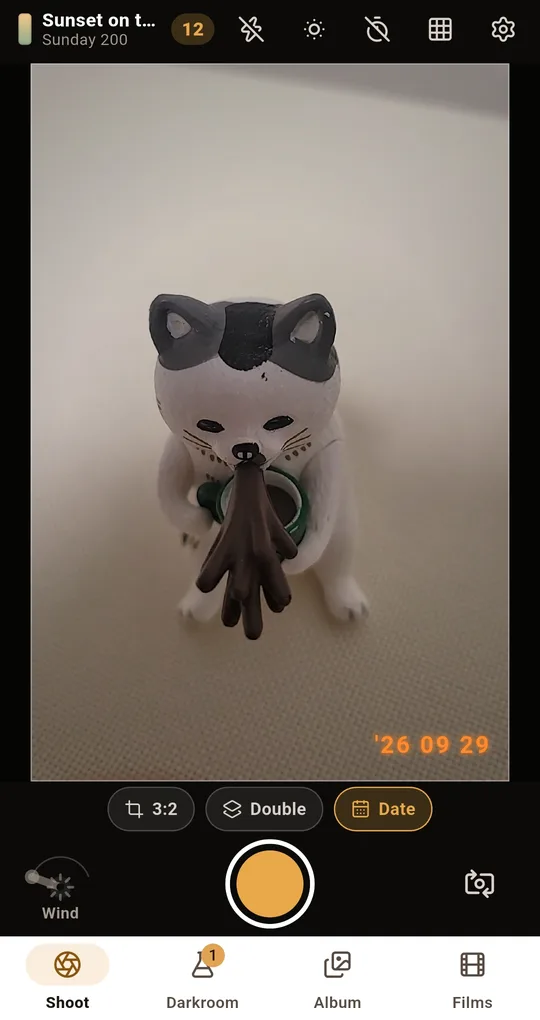
Preview it in the viewfinder
With Live film preview on in Settings, the viewfinder shows the stock’s look before you shoot, so you can judge whether the scene suits it. Turn it off on older phones if the preview stutters.
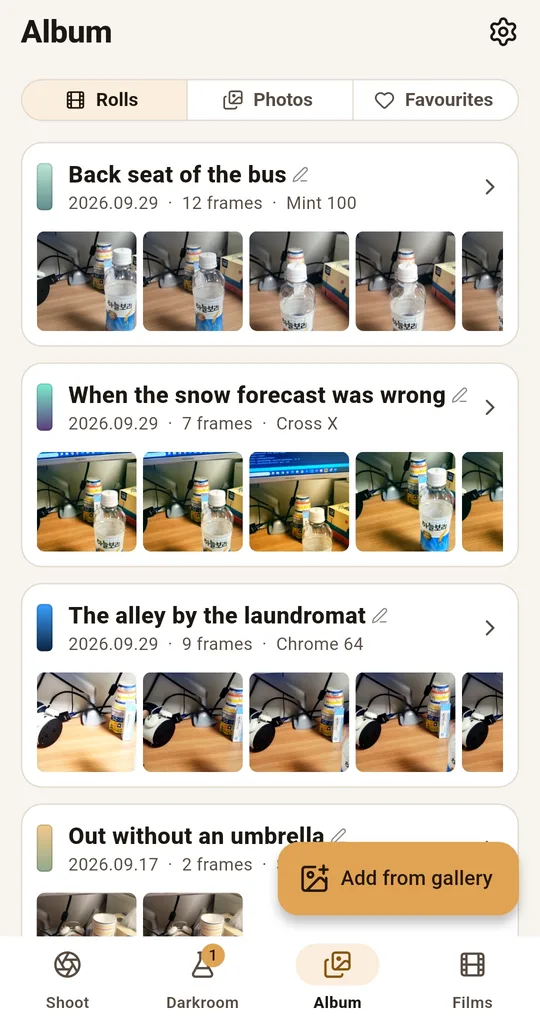
Move grain and halation on their own
Open a developed photo and tap Adjust to move exposure, contrast, warmth, saturation, fade, grain, light leak, halation and vignette separately. Push the grain slider up and down and you can watch it appear in the midtones and vanish in the blacks. Press and hold the photo to see the untouched shot.
FAQ
Will more noise make it look like film?
Where the noise sits matters more than how much there is. Film grain peaks in the midtones and disappears in pure black and white, so evenly sprinkled noise gives itself away in the dark corners.
Does every film show halation?
No. Most still films include a layer that suppresses it. It survives on stocks where that layer is absent or weak, which is why it is so associated with motion picture film.
Is my phone making things worse?
In a sense. Modern phones stack frames to remove noise and sharpen edges, which is the opposite of what film does. That processing leaves a gap that colour adjustments alone cannot close.
FilmRoll: 35mm Film Camera
No account, no server, and your photos never leave the phone. Shooting and developing both work in airplane mode. Free on Android.