What to include
| Item | How to get it |
|---|---|
| Countries visited this year | Pick this year in the map’s year selector; the count at the top changes |
| Total days away | Enter start and end dates, export CSV and sum in a spreadsheet |
| Favorite country | The highest-rated country from this year |
| Most visited country | The one with the highest visit count |
| First and last trip of the year | Sort History by newest |
| Who you traveled with | Look through the companions field |
Compare with last year
A recap gets interesting once there is a comparison. Switch the year to last year and the year before and you can see how far your travels reached each time. With the color mode set to Visit year, one map shows the whole progression.
One goal for next year
End with a single goal you can check with a number, like "one new continent" or "reach 10 countries". The achievements screen shows how many countries are left until the next milestone, which makes this easy.
Pulling the recap from the app
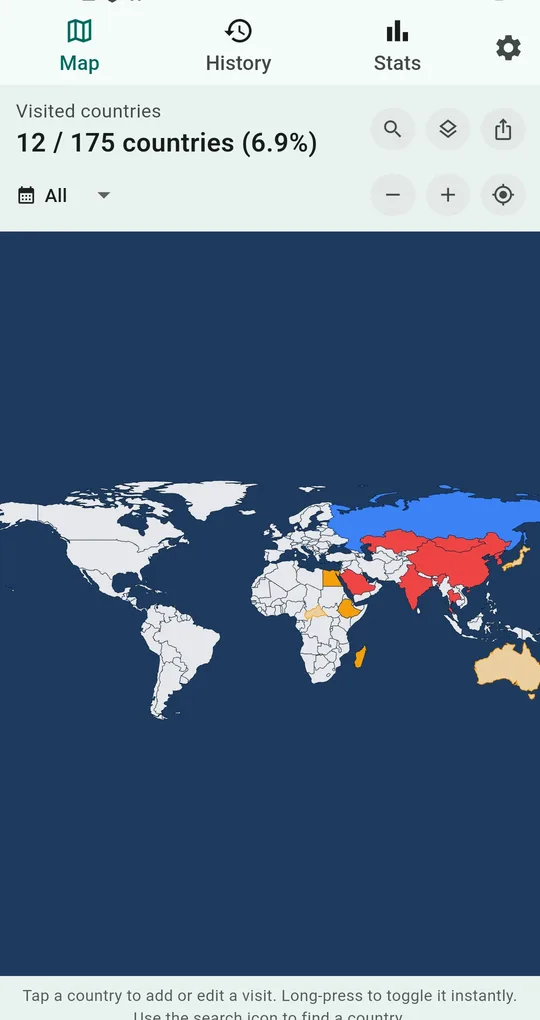
Show only this year
Tap All under the visited count and pick this year. Only countries visited that year are colored, and the count updates.
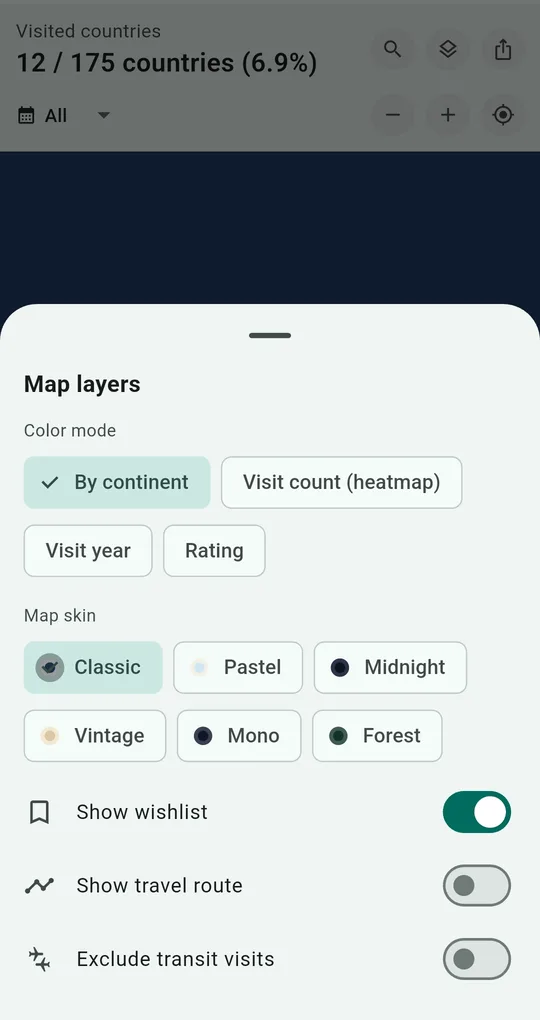
Color by visit year to compare
Set the color mode to Visit year in map layers and each year gets its own color.
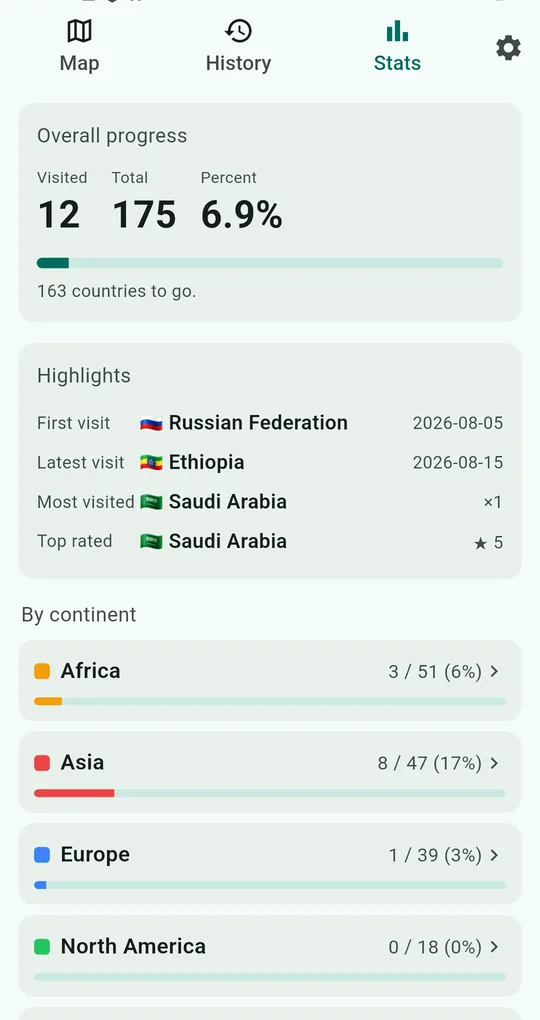
Check highlights and achievements
In Stats, see your latest, most visited and top-rated countries and your progress by continent. The achievements list shows how far you are from the next milestone.
Total days via CSV
Export to CSV, keep this year’s rows in a spreadsheet and sum the days or count trips by purpose.
FAQ
Can I do last year’s recap now?
Yes, pick last year in the year selector. Countries you added with a quick long-press are saved with that day’s date, so correct them to the real trip dates for the yearly view to be right.
I want to post my recap map.
See making a travel map image worth posting for color modes and skins.
Travel Map: Visited Countries
No sign-up, and your records stay on your phone. Free on Android.