What the rate changes
Employers withhold income tax each month using the NTS simplified withholding table. You can choose to have 80%, 100% or 120% of that amount withheld; without a request it stays at 100%. Your final tax for the year is identical at every rate. Only your monthly take-home pay and the February result change.
If you use the 19% flat-rate option for foreign workers, your employer can also withhold at that flat rate each month; see your first settlement in Korea.
Same salary, three rates
Gross salary 40 million KRW, no dependents, no card, housing or medical items, entered in the app (tax already paid is the app’s estimate).
| Withholding rate | Estimated tax withheld (income tax) | Result incl. local tax |
|---|---|---|
| 80% | 1,394,800 KRW | Owe about 380,000 KRW |
| 100% | 1,743,500 KRW | About zero |
| 120% | 2,092,200 KRW | Refund about 380,000 KRW |
At 80% you take home roughly 30,000 KRW more per month and pay it back in one go in February. 120% is the reverse.
Which rate fits whom
- 120% — you want a lump sum in February, or you have been surprised by bills before.
- 100% — the safe default if unsure.
- 80% — tight monthly cash flow and large deductions that normally produce a big refund. With few deductions, 80% often ends in a bill.
How to apply
- Submit the income tax withholding adjustment application to your employer by the day before the payday from which you want it applied.
- The choice stays until you apply again.
- In a tax year in which you changed the rate, you cannot change it again.
Comparing rates in the app
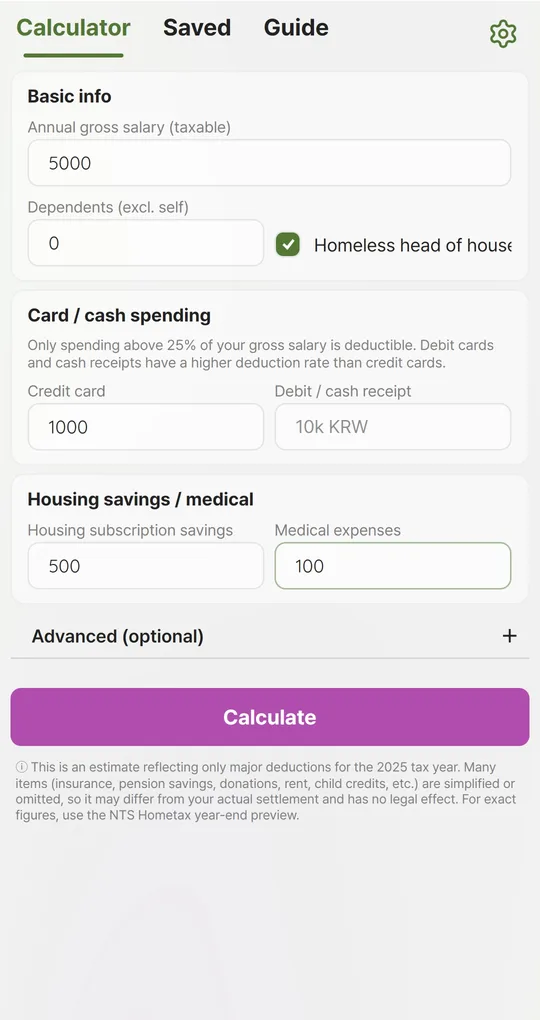
Open Advanced (optional)
Tap + next to “Advanced (optional)” on the Calculator tab and pick the rate under “Withholding rate option”. Use 100% if you have never applied for a change.
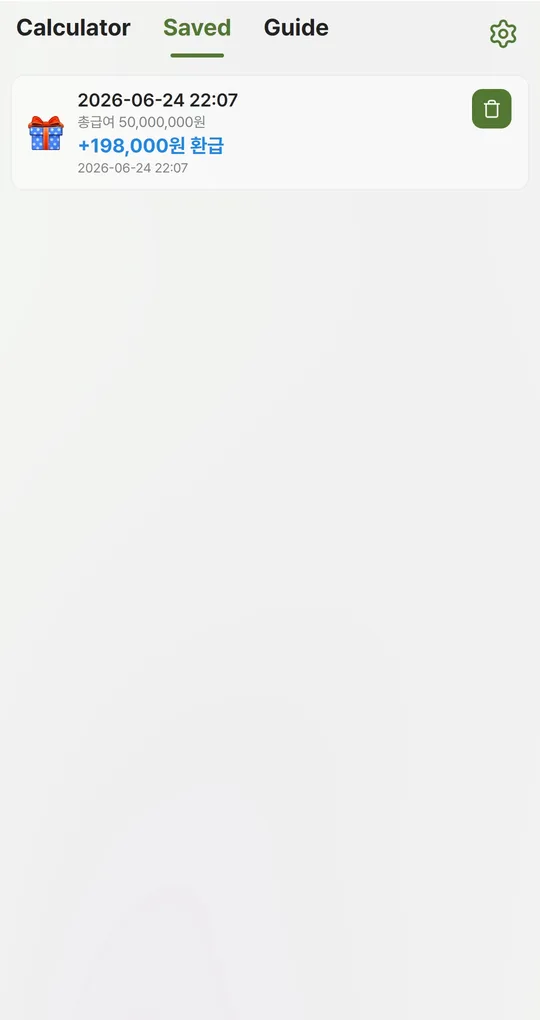
Save each rate as a scenario
After each calculation, type a name such as “80%” under “Save this scenario” and tap Save. Compare them side by side on the Saved tab.
The app’s English screens show amounts with the Korean won sign, and the saved-scenario card keeps a few Korean labels in the current version.
FAQ
Do I pay more tax at 120%?
No. The annual total is the same; the extra withheld is refunded in February.
How do I know my current rate?
If you never applied, it is 100%. Ask HR if unsure.
Sources: Korea Tax Times, choosing the withholding rate (Korean)
Year-End Tax Calculator
No sign-up, works offline, and your salary data stays on your phone. Free on Android, in English and Korean.