Pick one spot
Choose one place (a corner of the table, a spot by the window, the same placemat) and one angle. Full meals look best overhead, single dishes at 45°. Same spot, same angle, and changes in portions, sides and color jump out.
| Diary goal | Keep fixed | Angle |
|---|---|---|
| What and how much you eat | Same plate, same spot | Overhead |
| Cooking progress | Same dish, same angle | 45° |
| Packed lunches | Lid off, same background | Overhead |
Kitchen light casts
Cool or fluorescent kitchen lights at night often leave a green cast that makes food look dull, and the difference grows next to daytime window shots. Shoot at a similar time when you can; when you cannot, remove the cast in editing.
Originals vs edits
If you keep only edited versions, you lose what the food really looked like. Keep the original untouched and save the edit separately.
A daily routine in the app
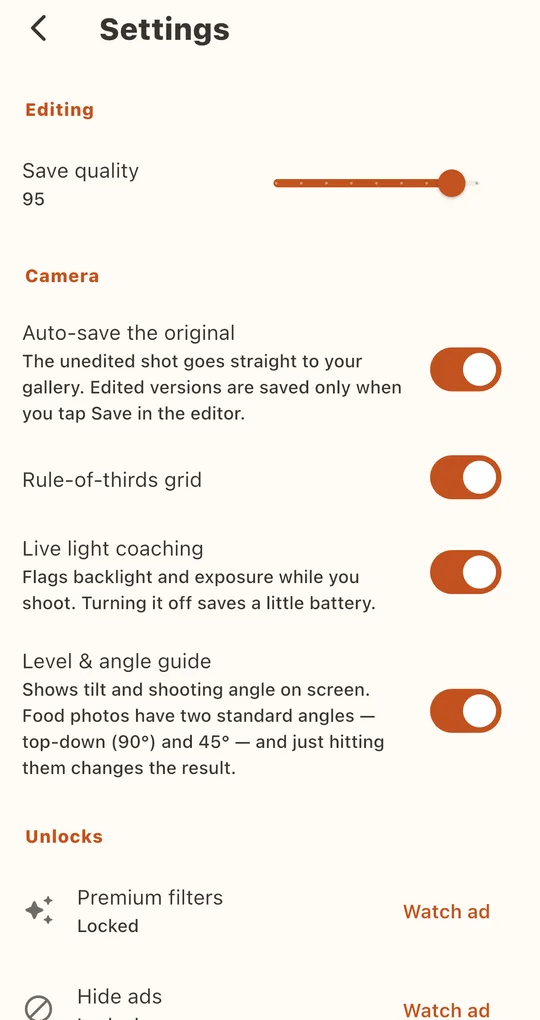
Turn on Auto-save the original
With “Auto-save the original” on in Foodlit’s Settings, the unedited shot goes to your gallery the moment you press the shutter. Edited versions are saved only when you tap Save in the editor. Turn on the level and angle guide too, so the daily angle stays the same.
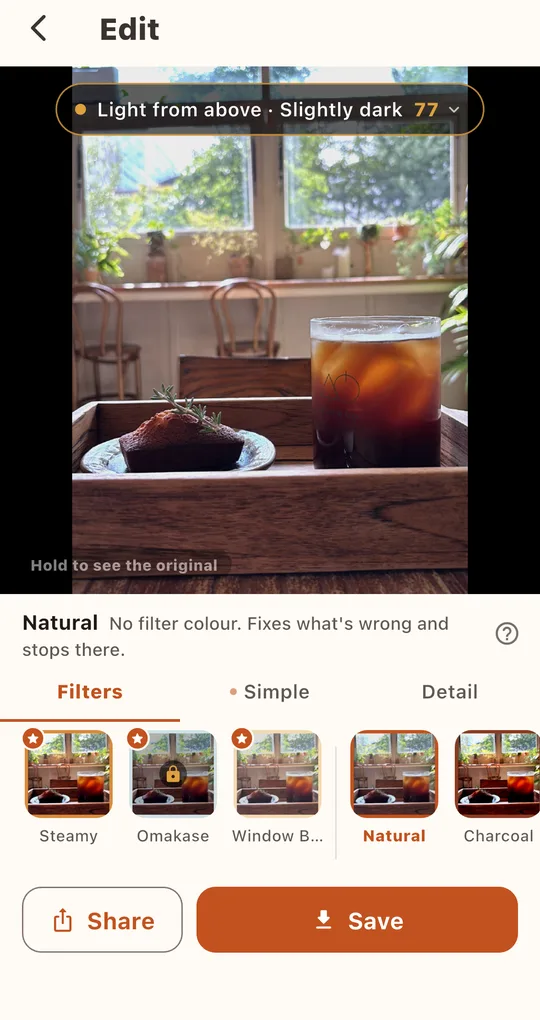
Follow the diagnosis on kitchen shots
Open a photo in the Edit tab and you may see “There’s a green fluorescent cast”, with matching filters recommended. For a diary, the free Natural filter, which only removes the cast, is the safest choice.
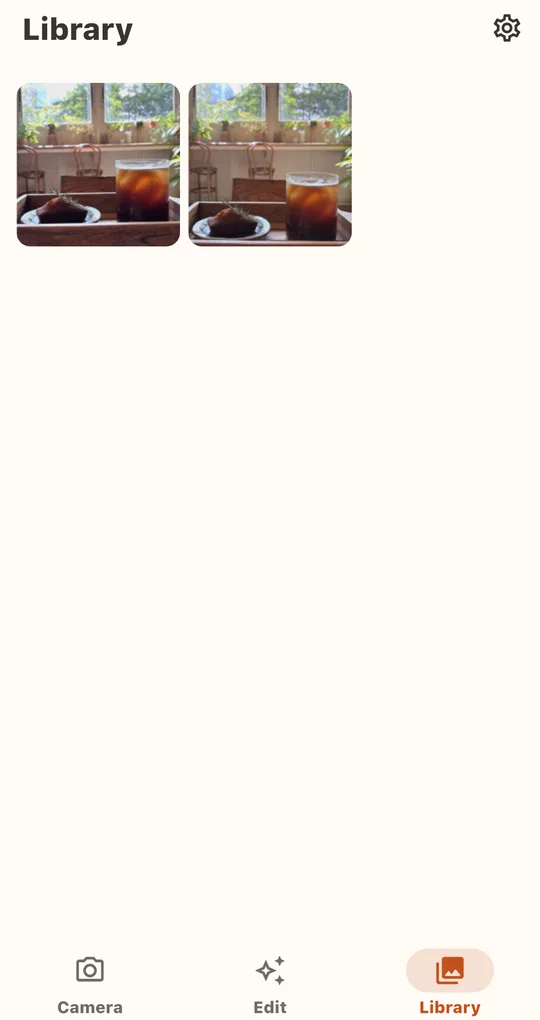
Look back in the Library
Photos you edit and save in the app collect in the Library. Clearing the Library does not delete copies already saved to your gallery.
FAQ
Does it work offline?
Yes. Analysis and editing happen on the phone, so editing works without a connection.
Daily photos will fill my storage.
Lower Save quality in Settings for smaller files, or turn off auto-saving the original to keep only edits.
Foodlit - Food Photo Filter
No account, no upload: every photo is analyzed and edited on your phone. Free on Android.