What a databack did
Compact film cameras of the 1980s and 1990s often had a small display and buttons on the back door. Set the date and, every time you pressed the shutter, a small light inside the camera projected the date straight onto the film. That patch of emulsion was exposed just like the image coming through the lens, so the digits appeared when the roll was developed.
Which means the stamp is not something laid over the photo. It is part of the photo. It is already on the negative, so every reprint carries it.
Why that colour, why that corner
Colour — the light used was in the red part of the spectrum, and on colour negative film that patch comes out somewhere between orange and red once printed. On black and white film, which records no colour, the digits are simply white.
Position — the way film travels through a camera left the bottom-right of a horizontally held frame as the convenient place to put the mechanism. It is also the corner least likely to contain anything important.
Typeface — seven-segment digits, the same shapes as a digital watch. The order of year, month and day varied by model and region, and the year was two digits.
Why it came back
Digital photos carry a date too, but it is buried in the file’s metadata, so you have to go looking for it. Screenshot the picture or send it through a messaging app and the date is often stripped out entirely.
A date you can see does a different job.
- The picture becomes its own record. Move it anywhere and the date travels with it.
- A sequence reads at a glance, which matters when several prints sit together.
- It signals that this was taken then. Most of the current revival is about that signal.
Before you turn it on
| Point | What to know |
|---|---|
| It cannot be removed | The digits are burned into the picture. For anything important, keep a version without the stamp |
| It reveals a timeline | A public post that shows both the place and the date lets people reconstruct your movements |
| It proves nothing | A date set by a device clock can be changed, so it is rarely accepted as evidence |
| It eats a corner | Anything important in the bottom-right will be covered. Leave that corner clear as you compose |
Turning it on in the app
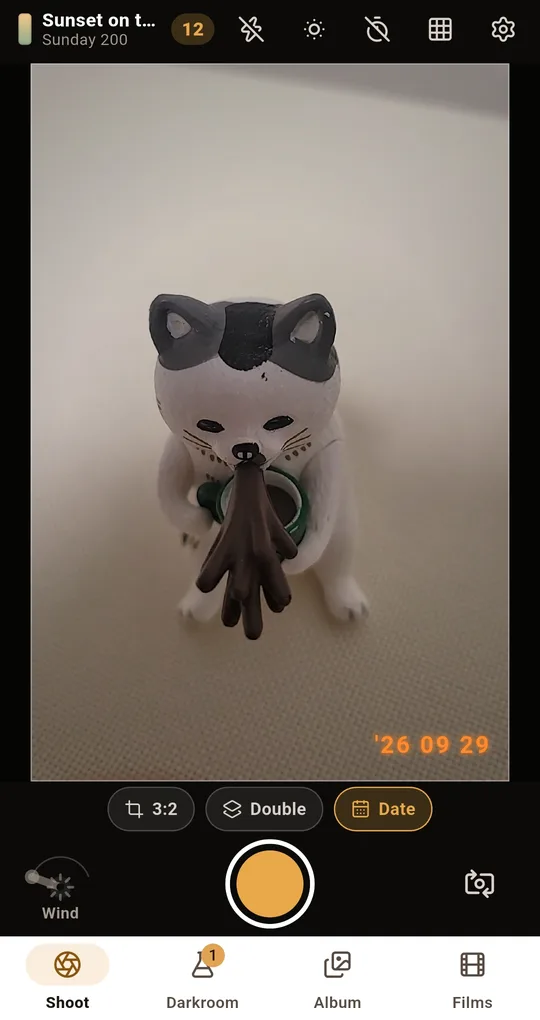
The Date button on the Shoot screen
Turn on Date at the bottom of the Shoot screen in FilmRoll and the shooting date is burned into the bottom-right of the photo in orange. The format is a two-digit year, month and day. You can also make it the default in Settings.
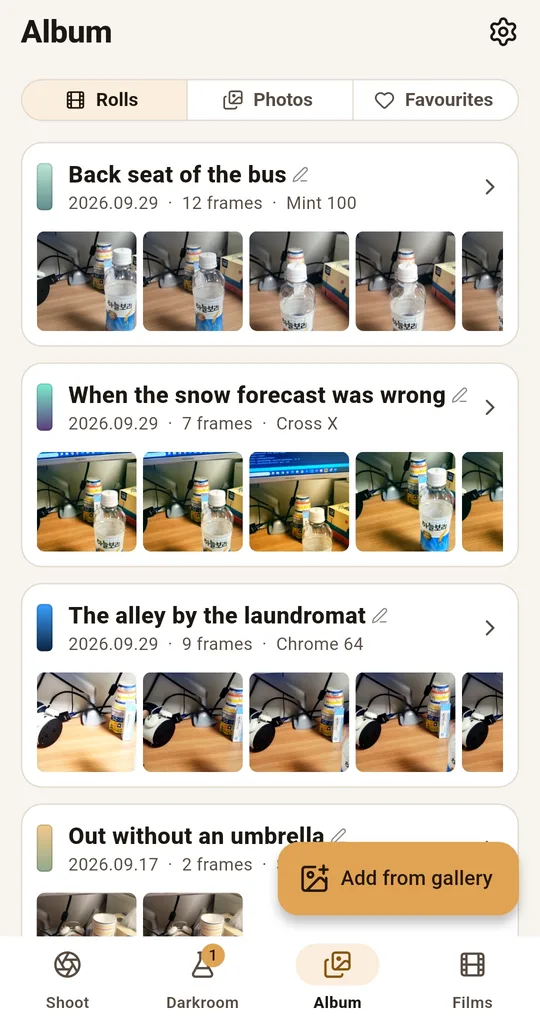
The stamp goes on during developing
The stamp is drawn as the photo is developed, so it stays on anything you save or share. Press and hold a photo to see the untouched shot before the film and the stamp went on, which is how you check what the digits are covering.
FAQ
Can I stamp a past date?
FilmRoll stamps the actual time of the shot. Changing the device clock affects other things as well, so it is not recommended.
Can I take the date off afterwards?
Not from the developed photo. The untouched shot you see by pressing and holding has no stamp, but the developed version is what gets saved and shared.
Was it orange on black and white film too?
On real film, black and white records no colour, so the digits came out white. The app uses orange throughout, following the look of old colour prints.
FilmRoll: 35mm Film Camera
No account, no server, and your photos never leave the phone. Shooting and developing both work in airplane mode. Free on Android.