Check the platform rules first
Delivery platforms review photos before they go live. As one example, Uber Eats’ merchant help page lists these requirements for item photos:
| Item | Uber Eats item photos (summary) |
|---|---|
| Size | Width 550 to 10,000 px, height 440 to 10,000 px |
| Aspect ratio | Between 5:4 and 6:4 (landscape) |
| File | JPG, PNG or GIF, up to 10 MB |
| Content | One menu item, centered; no text, logos or watermarks |
| Quality | Not blurry; no strong shadows or insufficient lighting |
Rules differ by platform and change over time, so always check the current official guide of each app you sell on.
Shoot the menu as one set
When customers scroll a menu where some dishes are shot from above and others from the side, they cannot compare portions. Fix one angle, one plate style, one background and one light, and shoot every item in the same spot.
A simple in-store routine
- Before opening, pick one table beside a window as your photo spot, with the window to the side of the food.
- Choose one angle for the whole menu (bowls overhead, burgers at 45°). See angles by dish.
- Leave space around the dish so it survives a crop to whatever ratio the platform shows.
Editing that keeps true color
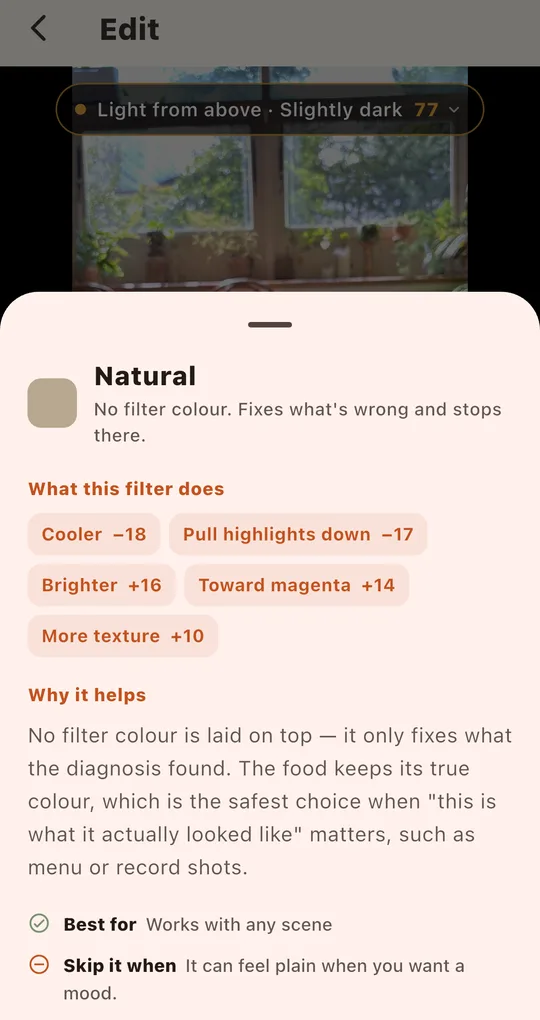
Natural or Clean Plate
Foodlit’s free Natural filter adds no color of its own; it only fixes the problems it diagnosed, like exposure or a color cast. If white plates turn grey, the free Clean Plate filter fits. Showcase, which removes shadows for an even menu-board look, is a premium filter that unlocks for 24 hours after an ad.
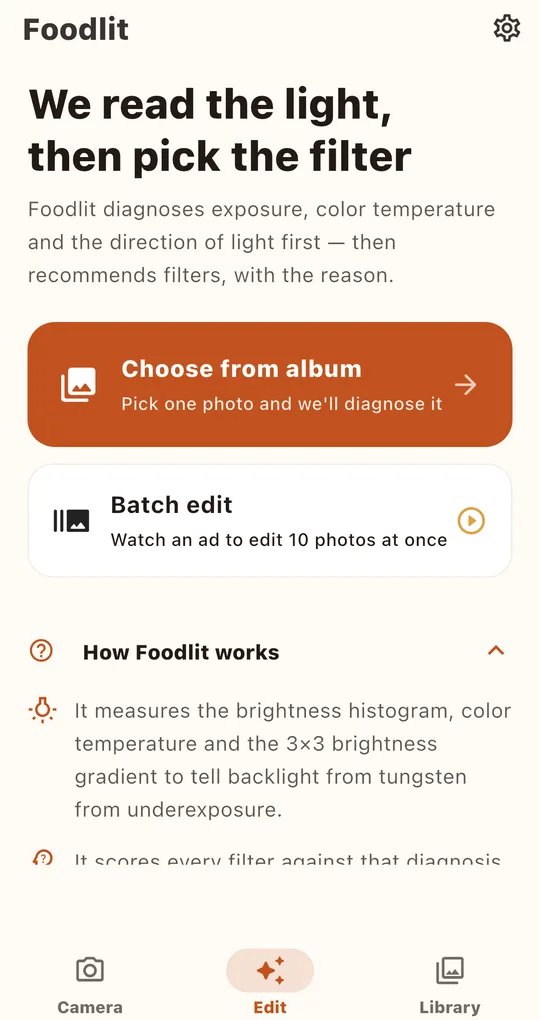
Edit several dishes with the same filter
Batch edit on the Edit tab’s home screen gives you 10 photos per ad. Choose a filter, select several photos, and each one is diagnosed separately before the same filter is applied, so slightly different light on each plate evens out.
FAQ
Can I add my restaurant name to the photo?
Many platforms reject item photos with text or logos, so check the official guide first. Foodlit has no text tool.
Will the app crop to the platform’s ratio?
No. Foodlit adjusts light and color but does not crop. Set the ratio in your gallery editor or in the platform’s upload screen.
Foodlit - Food Photo Filter
No account, no upload: every photo is analyzed and edited on your phone. Free on Android.