What the rule says
Every 20 minutes of screen work, look at something 20 feet (about 6 m) away for 20 seconds. The idea is to relax the focusing effort of sustained near work and to restore the blink rate, which drops sharply while you concentrate.
What the study found
A 2023 study in Contact Lens and Anterior Eye installed custom software on the laptops of 29 symptomatic computer users. It used the webcam to track breaks, gaze and blinking, and sent personalised 20-20-20 reminders. Measurements were taken before, after two weeks of reminders, and one week after the reminders stopped.
- Digital eye strain symptoms decreased while the reminders were running.
- The improvement was not sustained a week after they stopped.
- Two weeks was too short to shift binocular vision or dry eye signs meaningfully.
Sources: Talens-Estarelles et al., Cont Lens Anterior Eye 2023 (PMID 35963776)
So the “breaks reduce symptoms” half holds up — but only while the breaks are still happening. The habit did not carry itself. And 29 participants is a small sample.
Where the numbers come from
There is no body of work comparing intervals and durations that settled on 20/20/20 as optimal. It is a memorable formulation more than a measured one, and researchers have argued about whether the figures are right.
| Element | How to treat it |
|---|---|
| 20-minute interval | Not an optimum. More often is fine |
| 20-second break | Looking far away is the active ingredient. Longer is fine |
| 20 feet | Effectively “far enough”. A window usually qualifies |
| Actually doing it | The real variable. Without a prompt it rarely happens |
Making it stick
- Put the reminder outside the app. A timer that only runs while an app is open is not a timer.
- Decide in advance which far thing you will look at from your desk. Hunting for one is enough friction to skip the break.
- Let meetings and calls count — you are already off the screen.
- If 20 minutes is unrealistic, use 30 and keep going. Some is much better than none.
- Blink slowly and deliberately during the break. Concentration suppresses blinking.
What else to change
- Put the screen slightly below eye level so the lids cover more of the eye and less tear film evaporates.
- Keep air conditioning and heating vents off your face.
- Humidify a dry room.
- Match screen brightness roughly to the room.
- If symptoms run for weeks, it may be tear film or an uncorrected prescription. Get it looked at.
Using it in the app
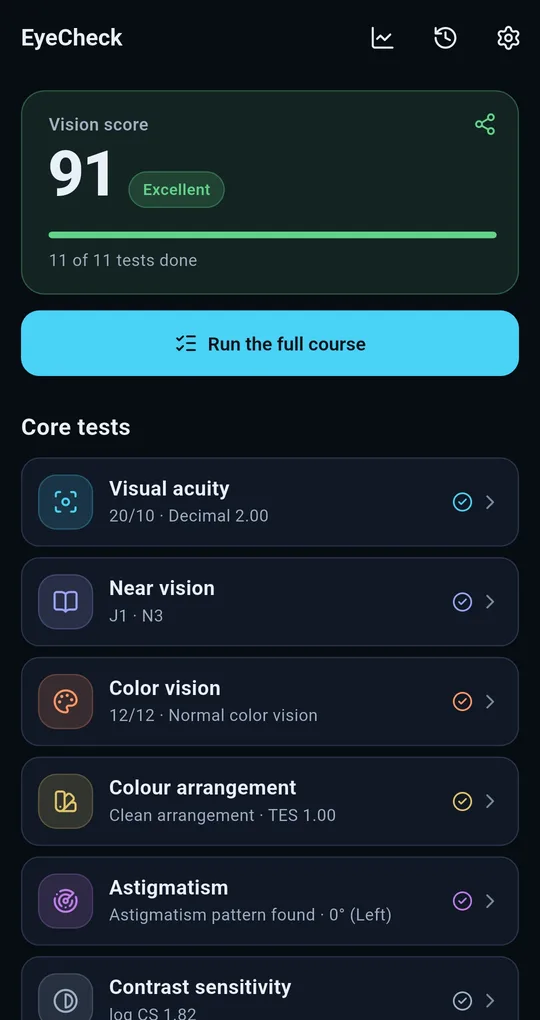
Open the eye rest coach
Scroll to the Eye care group on the EyeCheck home screen and open the eye rest coach. It has a 20-20-20 tab and an exercises tab.
Let it notify you with the app closed
Work and break lengths are both adjustable, defaulting to 20 minutes and 20 seconds. Switch on “Remind me even when the app is closed” and a real notification is scheduled, so nothing has to stay open. It also counts how many breaks you have taken today.
Six eye exercises
The exercises tab cycles through six patterns — side to side, up and down, circles, figure eight, diagonals, and near and far — with an adjustable duration each. Keep your head still and move only your eyes, and stop if you feel dizzy. Eye exercises do not improve acuity.
FAQ
Twenty seconds seems too short.
Take longer if you like. What the evidence supports is that breaks reduce symptoms, not that 20 seconds is the optimum.
Do eye exercises improve eyesight?
No. Refractive and accommodative problems such as myopia and presbyopia are not reversible by exercise. Treat the exercises as a way to unwind, nothing more.
Would a blue-light filter help more?
Screen eye strain is better explained by prolonged near focus and reduced blinking than by wavelength. Breaks and tear film come first.
EyeCheck: Vision & Color Test
No sign-up, fully offline. A free Android eye self-check app that tests and records your left and right eye separately.