How it spreads
South Korea offers a well-documented example. Its science ministry, national police and internet security agency (KISA) reported that of about 1.09 million scam texts KISA detected from January to September 2024, around 240,000 posed as funeral notices, wedding invitations or traffic fines. Tapping the link installs a malicious app, and the phone becomes a “zombie” that texts the same lure to everyone in its contacts.
In November 2025, Seoul police said they had arrested a ring that used wedding, funeral and traffic-fine texts to install malware and took about 12 billion won from more than 1,000 people, 80–90% of them aged 50 or older. The FTC’s general advice fits the same pattern: don’t act on links you weren’t expecting.
Before you tap
| Check | Red flag |
|---|---|
| Sender | Not their usual number, or an unknown number with a friend’s name |
| Link | A shortener, an unfamiliar domain, or a URL ending in .apk |
| After tapping | Asks you to install an app, grant permissions or verify identity; e-invites are web pages and need none of that |
| Content | No names, date or venue, just “view here” |
The surest check is a quick call to the sender. If a message pushes you to pay or verify anything, contact the person through a number you already have.
If you already tapped
- If you didn’t allow an install, just close it.
- If an app was installed, switch to airplane mode, report it, and consider a factory reset.
- Warn family and friends; the same message may have gone out from your phone.
QR codes on your own invitation
A QR code on a paper invitation is the one link guests don’t have to second-guess: it’s on the card in their hand. Printing the URL in words next to it helps even more.
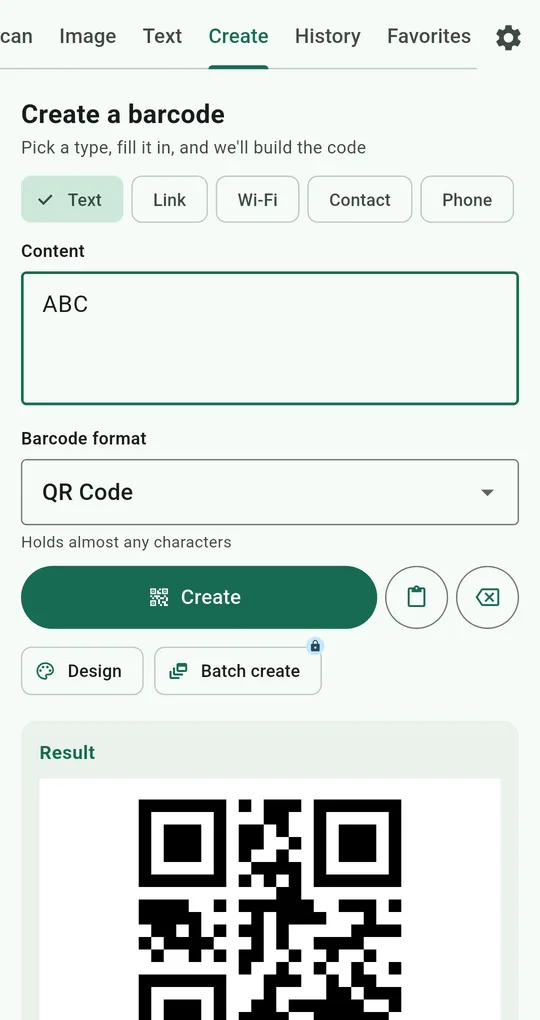
A QR code for your wedding website
On the Create tab of QR & Barcode Scanner, choose Link, enter your wedding website or RSVP page and create it. For print size, see QR print size (2.5 cm, about 1 in, or more on an invitation).
Location for the venue, Event for the date
Location takes latitude, longitude and a place name and opens a map when scanned. Event takes a title, start time and location so guests can add it straight to their calendar. Older guests especially appreciate it.
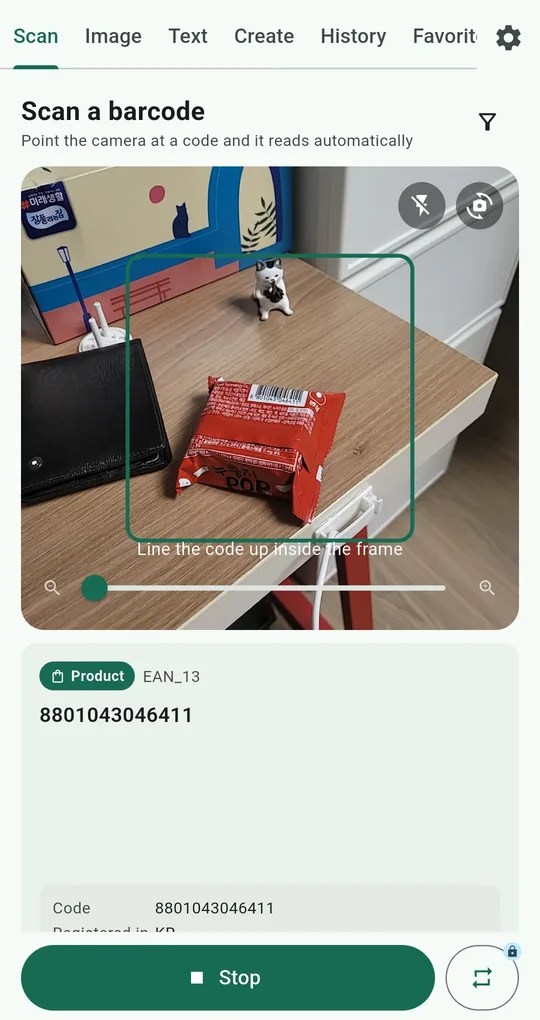
Test it as a guest would
Before printing, scan each code with this app or another phone’s camera and check the result card’s type (Link, Location, Event) and contents. Registry or gift details are better printed as text than hidden in a code, so nobody has to wonder where it leads.
FAQ
An e-invite wants me to install an app.
Real e-invites are web pages and don’t need an install. Close it and call the sender.
My parents keep getting these texts.
Turn off “Install unknown apps” on their phone and agree they’ll send you a screenshot before tapping anything. See checking QR links.
QR & Barcode Scanner Reader
No sign-up, and your scans stay on your phone. Free on Android.