The reference line at sea
At the coast, level to the horizon where water meets sky. Shorelines, piers and rocks often run at an angle, and lining up with them tilts the sea. If haze hides the horizon, trust the phone’s level instead.
Where to put the horizon
| Placement | Feel | Works for |
|---|---|---|
| Upper third | Sea and beach lead | Waves, sand, people |
| Lower third | Sky leads | Pre-dawn glow, clouds |
| Center | Symmetry, calm | The sun reflected on still water |
With an ultra-wide (0.5x) lens, straight lines near the top or bottom of the frame can look curved. If you want the horizon near an edge, 1x is safer; on ultra-wide, keep the horizon toward the middle.
Preparing for a dawn shoot
- Sunrise time — check the time for your exact location in a weather app or an online sunrise calculator the day before; it shifts with latitude and date.
- Battery — cold drains batteries fast. Keep the phone in an inside pocket until you shoot.
- Gloves — if the screen will not register, Auto shutter or the timer means fewer taps.
- Support — rest the phone on a railing or bag and you can shoot the same framing as the sun climbs.
Shooting with the app
The level judgment in the Android app "Level Camera" assumes the phone is held in portrait. Level your sunrise in portrait, and use your built-in camera level as well if you need landscape shots.
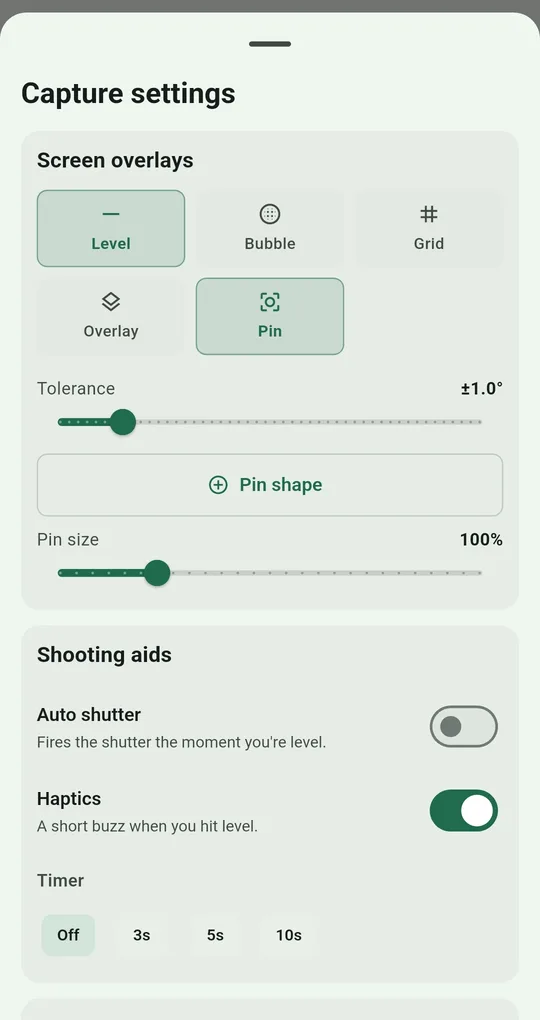
Level plus a thirds grid
In Capture settings, turn on Level and Grid with the Thirds guide. The horizontal grid lines are where the sea horizon goes. If the lines disappear against a bright sky, change Appearance → Line color.
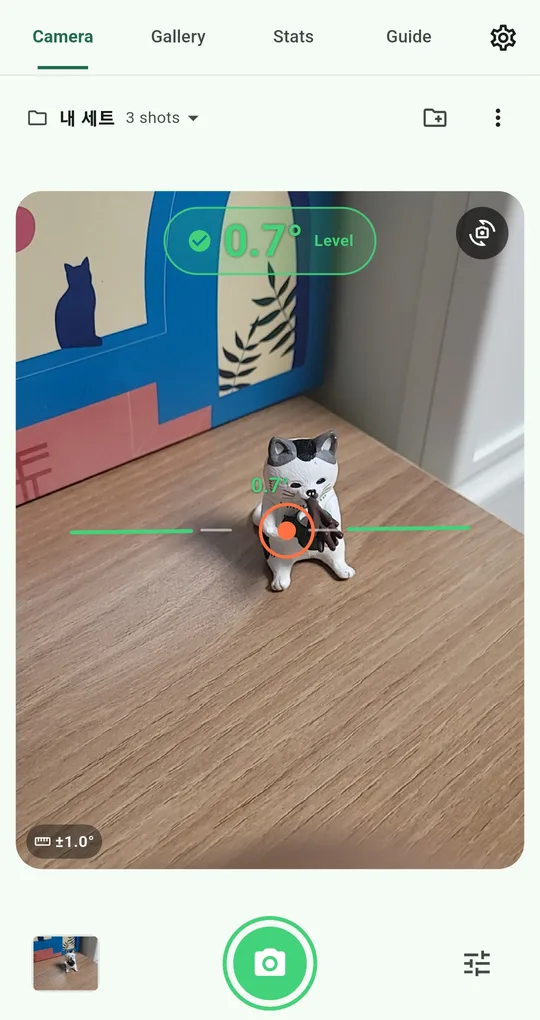
Several shots with Auto shutter
With Auto shutter on, the app shoots the moment you reach level. It does not keep firing while you stay level; it takes the next shot when you drift out and come back in (at least 2.5 seconds apart). That suits reframing a little between shots while the sun rises.
FAQ
The horizon looks slightly curved.
Probably the ultra-wide lens. Switch to 1x or move the horizon toward the center of the frame.
Is it OK to shoot straight into the sun?
Brief shots are fine, but do not stare at the sun. Framing on the screen is easier on your eyes.
Level Camera
No sign-up, and your photos and records stay on your phone. Free on Android.