Choose sharers per expense
Four people on a three-day trip, one of them arriving for dinner on day two. Day one’s meals are split three ways; from day-two dinner on, four ways. Tick the right people on each expense and the totals take care of themselves.
Lodging by nights stayed
Lodging is usually paid in one go, so it needs its own math. Two nights for $400: three people stayed both nights, one stayed one. Use shares of 2:2:2:1.
| Person | Nights | Shares | Pays |
|---|---|---|---|
| A | 2 | 2 | $115 |
| B | 2 | 2 | $114 |
| C | 2 | 2 | $114 |
| D | 1 | 1 | $57 |
Another view: one extra person for one night costs the group almost nothing, so D pays less. Whichever rule you use, agree on it before the trip.
Grey-area costs
| Item | Usual rule |
|---|---|
| Rental car, fuel | By legs ridden; if unclear, everyone equally |
| Groceries | Whoever ate them |
| Cleaning fee, deposit | Same ratio as lodging |
| Early leaver’s ride home | Their own cost |
Doing it in the app
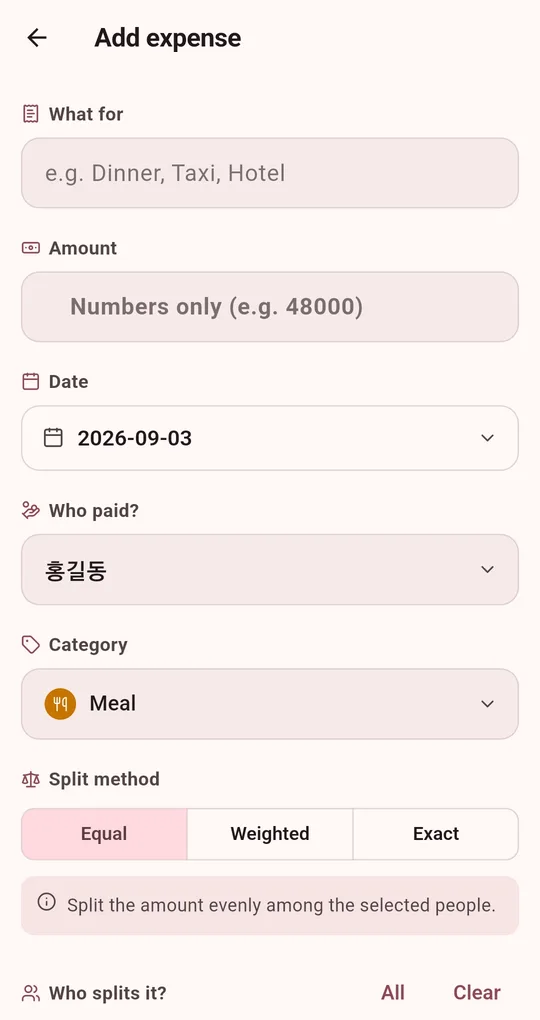
Tick the sharers
On the add expense screen in the Android app "Settle Up: Split the Bill", tick only the people who were there under "Who splits it?". All and Clear select or deselect everyone at once.
Lodging as Weighted
Switch the split method to Weighted and enter nights stayed as each person’s share.
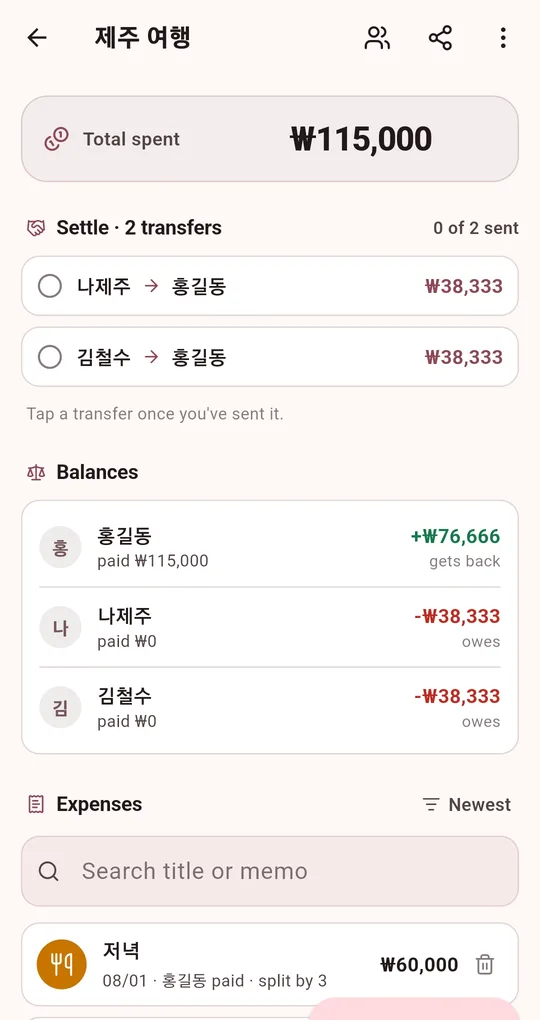
Add late arrivals when they arrive
The people icon at the top of the group screen opens member management, where you can add someone. Include them only in expenses from then on; earlier ones are untouched.
FAQ
I already entered an expense for everyone.
Tap it in the expense list, change the sharers or split method, and the settlement recalculates immediately.
I need half shares (joined for half a day).
Shares are whole numbers. Use 1 for half a day and 2 for a full day.
Settle Up: Split the Bill
No sign-up, no internet, and your records stay on your phone. Free on Android.