What the offset does
A phone only knows how far its signal is below full scale (dBFS). Turning that into a real sound level needs a device-specific reference value: the offset. Raising it by 1 raises every reading by 1 dB.
The limit is that calibration shifts everything up or down. It cannot fix a mic that responds differently to bass or to very loud sound.
With a reference meter
- Side by side — put the meter and the phone’s mic at the same height and direction, within about 10 cm.
- Steady sound — a fan, extractor or steady noise from a speaker. Avoid speech, which jumps around.
- Compare 30-second readings — not instant values. If the meter is A-weighted, a sound without much bass skews less.
- Check another level — a quiet room and a conversation-level sound. If the gap differs a lot, trust that phone only in the range you matched.
Without a meter
| Avoid | Why |
|---|---|
| "A quiet room must be 30 dB" | Real quiet rooms vary, and the phone’s noise floor makes low readings unreliable anyway. |
| Matching another phone app | That app may not be calibrated either. |
| Matching an online "common sounds" chart | Those are rough figures at unknown distances. |
Instead, leave the default and compare with the same phone. "This seat is 6 dB quieter than that one" is meaningful without calibration. Some libraries, universities and local agencies lend sound level meters, so it is worth asking.
Calibrating in the app
Settings, then Noise calibration
Tap the gear icon at the top right of the Meter screen and open Noise calibration.
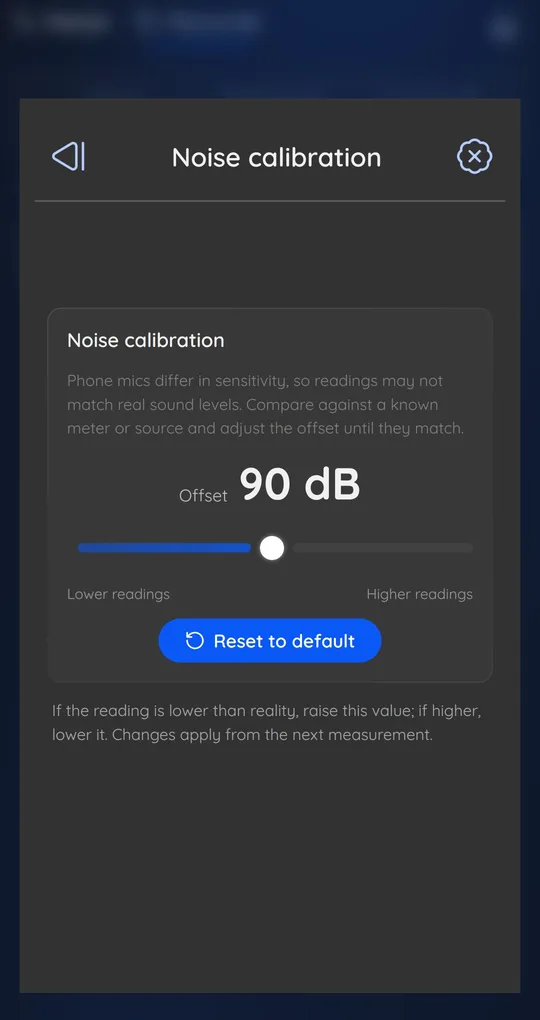
Adjust the offset
The offset starts at 90 dB and can be set from 70 to 110. If readings are lower than the meter, raise it; if higher, lower it. Changes apply from the next measurement, so stop and start again to check. Reset to default undoes it.
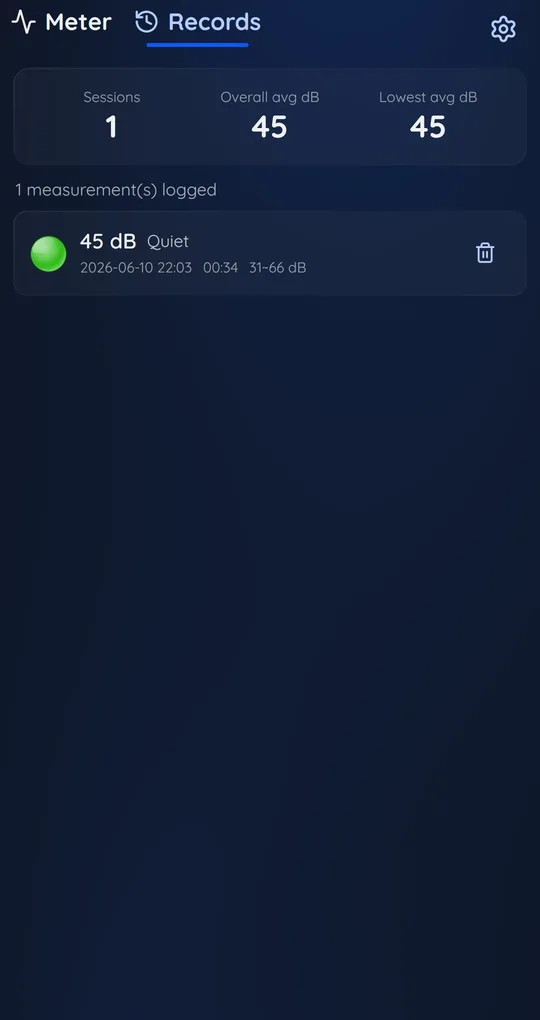
Do not mix before and after
Changing the offset changes the scale of every later reading. Note the date you calibrated and compare sessions from after that point.
FAQ
Will calibration make my phone as accurate as a meter?
Close to it for sounds similar in level and character to what you matched. Other frequencies or very loud sounds can still differ.
Do I need to redo it on a new phone?
Yes. A different mic needs a different offset.
Focus Noise Meter - dB Sound Level
It never records audio, only calculates dB levels, and your history stays on your phone. Free on Android.