3 days before
- Skim the list and pull out what you need to buy (travel bottles, adapter, medicine)
- Check passport expiry, visas or travel authorizations, and travel insurance
- Check your airline’s baggage allowance
The night before
- Heavy things at the bottom of the suitcase (shoes, toiletry bag)
- Roll clothes to fill the gaps
- Liquids in one bag, on top of the carry-on
- Chargers and power banks in your personal bag
- Check the suitcase weight
Departure morning
Only the essentials: passport, tickets, wallet, phone and charger, prescriptions. With those five, everything else can be solved at your destination.
At the airport
Keep the liquids bag and laptop easy to pull out at security, and carry power banks on you when boarding. See power bank rules and the liquids rule.
Doing it in the app
Departure reminders
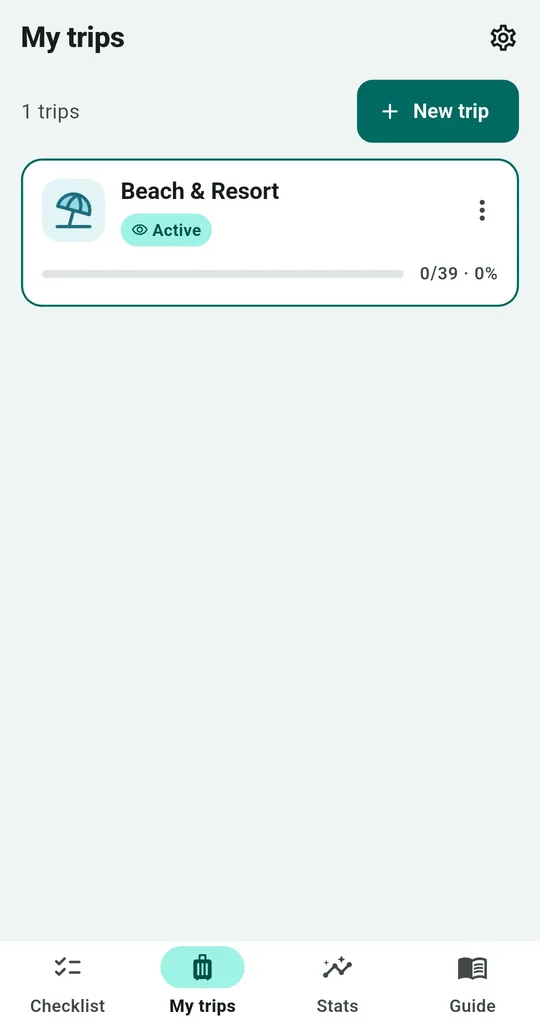
Add a departure date to a trip in Packing List and you get "Packed for …?" reminders three days before, the day before and on the morning of departure. Change the time in Settings.
Packing mode
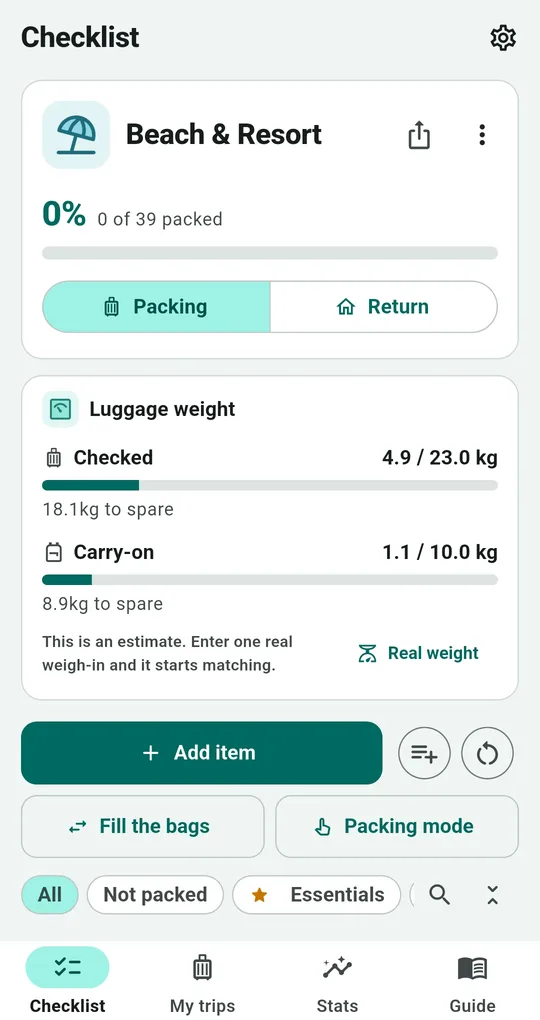
Packing mode shows one item at a time, large. Volume down checks it and moves on, volume up undoes, so you can pack with full hands without looking.
Lock for departure and the security summary
When you’re done, Lock for departure stops accidental edits and deletions while checking still works. Export a PDF per bag to get a one-page security summary of liquids, batteries and blades.
FAQ
Can I see only the essentials?
Use the Essentials filter to show only starred items.
How many PDFs can I make?
One a day free, and 3 more after an ad. Text and image sharing are always free.
Packing List: Travel Checklist
No sign-up, and your trips stay on your phone. Free on Android.