What sleep inertia is
The groggy, slow feeling right after waking is called sleep inertia. CDC’s NIOSH training for nurses says it typically lasts 30 to 60 minutes and has been seen to last up to 2 hours, and that it is worse when you wake from deep sleep. Sleep reaches its deepest stage after about an hour, which is why that is the worst moment to wake up.
Nap lengths compared
| Nap | You wake | Right after | Good for |
|---|---|---|---|
| 10–20 min | before deep sleep | fairly clear | afternoon slump, before a drive |
| about 30 min | possibly entering deep sleep | varies | when you have time to wake up |
| about 60 min | in deep sleep | most likely groggy | avoid if you can |
| about 90 min | end of a cycle | less groggy | before a late night, after a short night |
NIOSH suggests setting an alarm for 15 to 30 minutes for a brief daytime nap, and notes that waking at about 20 or about 90 minutes reduces grogginess. If you are badly sleep-deprived, you fall into deep sleep faster and even a short nap can leave you foggy.
Which nap when
- Driving or presenting right after — 20 minutes or less, and give yourself a few minutes to wake up before anything critical.
- Staying up late tonight — 90 minutes if you have the time.
- Struggling to fall asleep at night — keep naps short and early.
Setting a nap alarm
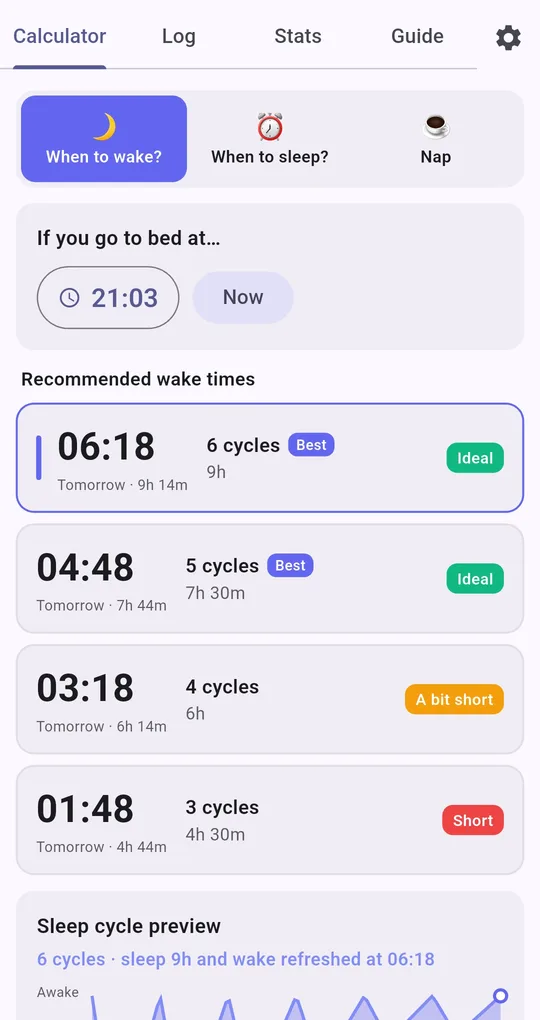
Open the Nap tab
At the top of the Sleep Calculator tab, tap the third button, Nap. Pick 10, 20, 30, 60 or 90 minutes and the app shows a wake time counted from now.
Fall-asleep time is added
The nap wake time is now + time to fall asleep + nap length. With the default 15 minutes, a 20-minute nap alarm lands 35 minutes from now. If you drop off instantly, lower the fall-asleep time in Settings (it applies to night calculations too).
Set the alarm
Tap Set alarm and your phone’s Clock app opens with that time filled in; save it there. Naps are not added to your log automatically.
FAQ
Why does the app offer a 60-minute nap?
It is an option, not a recommendation. As the table shows, you may wake in deep sleep, so skip it if you need to be sharp right after.
What about a coffee right before a nap?
NIOSH notes that 100 mg of caffeine on waking, bright light or washing your face can help clear sleep inertia. For the effect on night sleep, see caffeine cutoff time.
Sleep Calculator
No sign-up, and your sleep log stays on your phone. Free on Android.